
Users and Site-Based Roles in OTserver
Access model
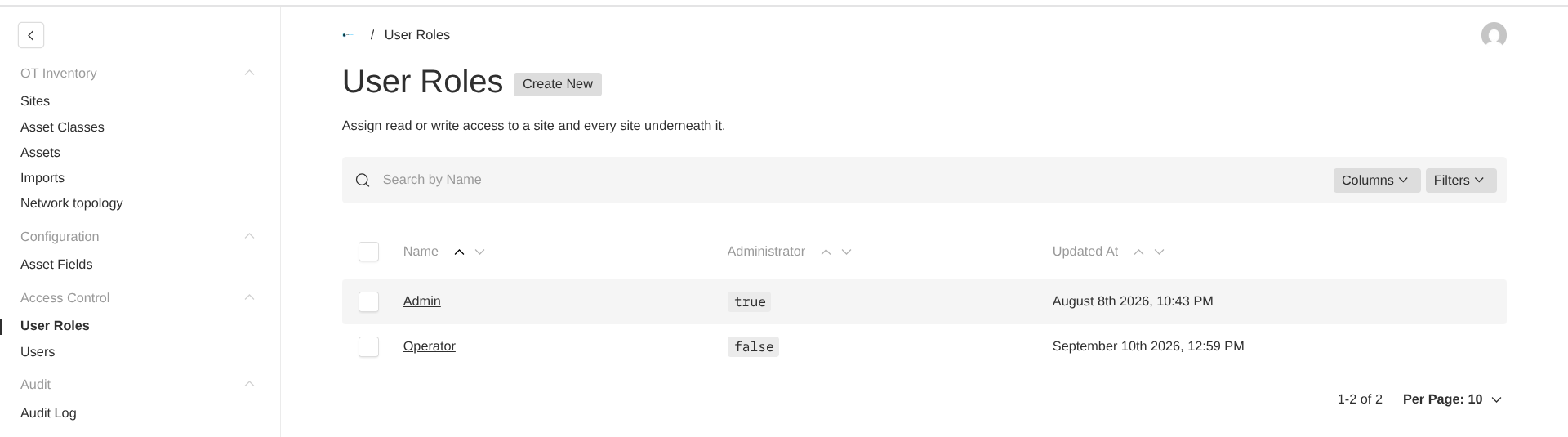
Create roles around a site permission and choose read-only or read/write access. A permission applies to the selected site and every descendant, so model the hierarchy before assigning roles. Keep the protected Admin role for account and configuration work; it cannot be renamed or deleted.
Procedure
- Build the site tree under Sites.
- Open User Roles and create a role for the responsible team.
- Add one or more site permissions with the smallest required access level.
- Create or edit a user and assign the role.
- Test the account at a parent site, child site, and unrelated site.

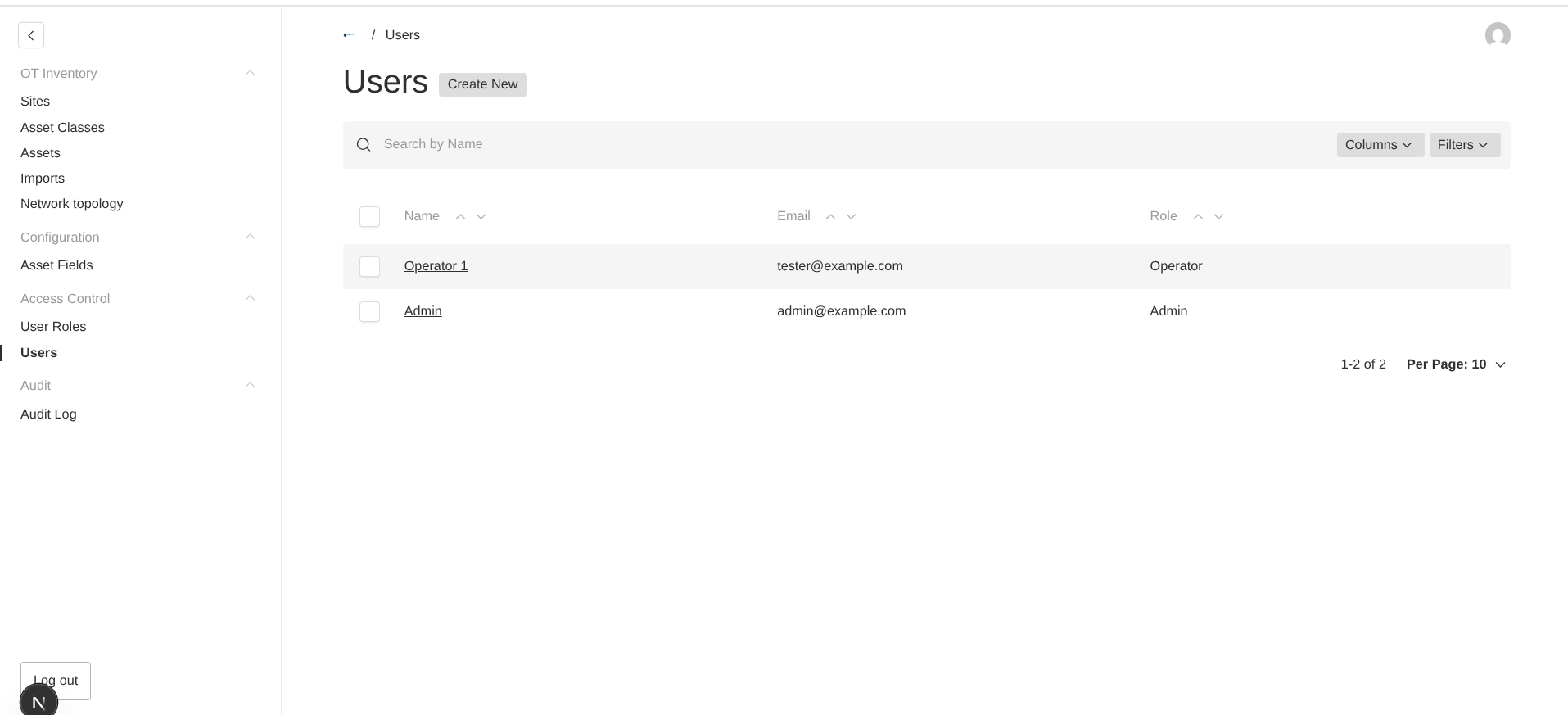
Use read-only access for observers and import operators unless they must edit assets. Scanner API-key users need read/write access to the destination site for direct upload, but do not grant them global administration.
Verify the result
Sign in as the test user and confirm that collections outside the permitted site are neither visible nor accessible. Review the immutable audit log after role, user, or inventory changes.